Install RoRetro
Right now RoRetro is only for testers. Once you've been added as a tester:
- Sign in on the tester page and press the download button for your browser.
- Follow the How to install steps on that page. They take about 2 minutes.
- Pin the RoRetro button so it's always in your toolbar: click the puzzle piece at the top right of your browser, then the pin next to RoRetro.
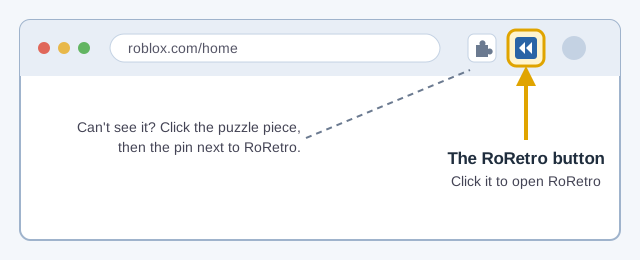
That button is how you get to everything. Clicking it opens the RoRetro popup.